How to Sell Vinyl Records on Discogs: Step-by-Step (2026)
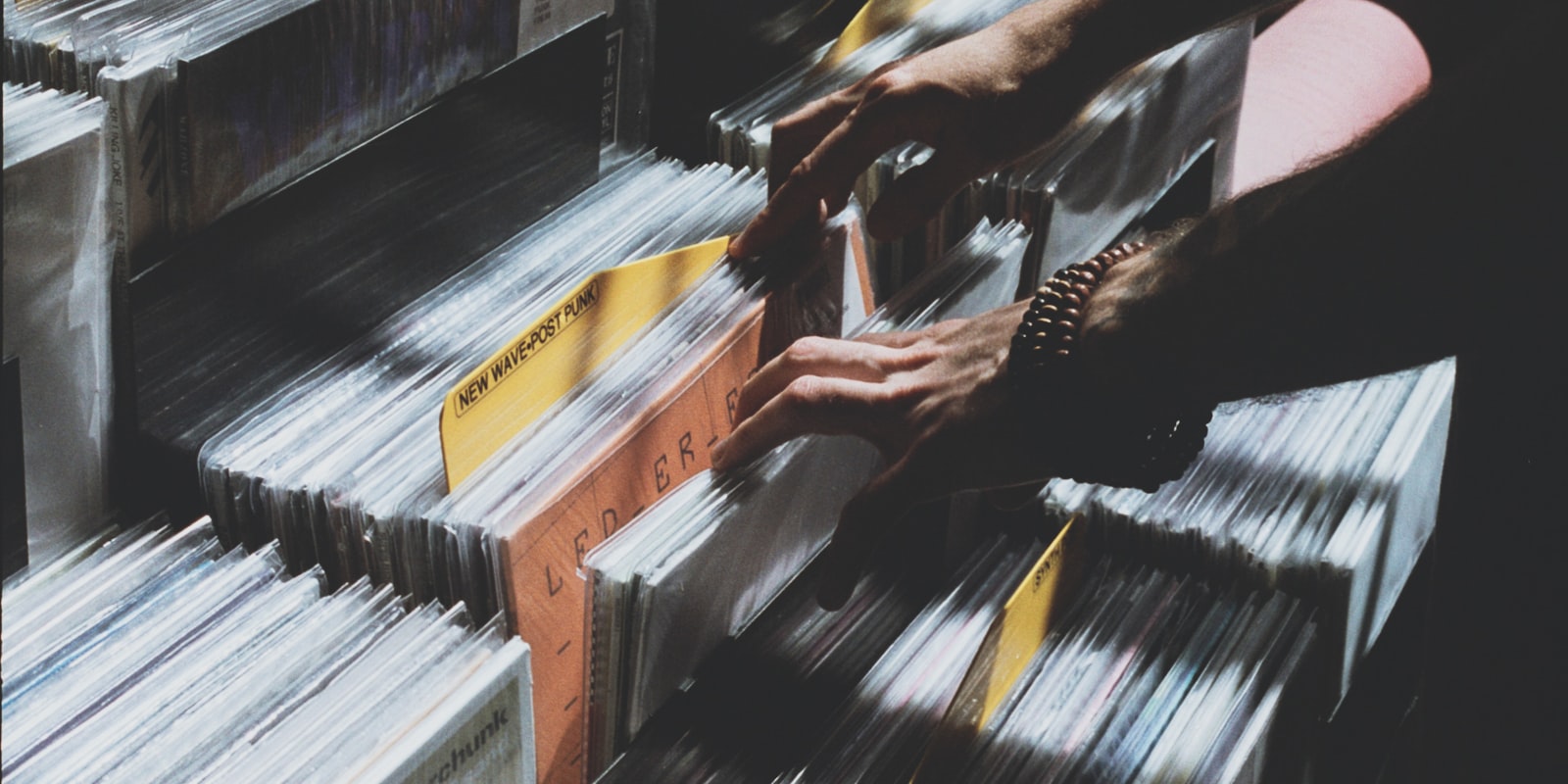
Discogs is where serious vinyl buyers shop: the largest music marketplace in the world, built on a database of millions of exact pressings. If you have records worth $20 or more, selling on Discogs almost always beats a record store buyout — you keep 85%+ of the price instead of half or less.
Here's the full process, including the shortcuts.
1. Identify the Exact Pressing (This Determines Everything)
On Discogs you don't list "Abbey Road" — you list your specific version of Abbey Road: country, year, label variant, matrix numbers. Price differences between versions of the same album are routinely 10–50x.
Manual identification means reading the runout groove etchings and comparing label details against Discogs' version list. Doable, but slow.
The shortcut: SnapMyRecordidentifies the record from a photo — cover or label — and takes you straight to it in the Discogs database, so instead of searching from scratch you only verify which version you're holding. Cutting that step from minutes to seconds per record is what makes selling a whole collection practical.
2. Grade the Condition Honestly
Discogs uses the Goldmine standard: Mint (M), Near Mint (NM), Very Good Plus (VG+), Very Good (VG), Good (G), Poor (P). Grade the media and sleeve separately, and grade conservatively — overgrading is the #1 source of returns and negative feedback for new sellers. When in doubt, grade down and mention specifics ("light hairlines, plays clean") in the listing notes.
3. Price With Sales Data, Not Hope
Every Discogs release page shows what copies actually sold for — last sale, plus low/median/high history. Sensible strategy for a new seller:
- Price at or slightly below median for your condition grade to sell within weeks.
- Price at the low end if you want it gone this week.
- Ignore the highest asking prices in the marketplace — asks are not sales.
SnapMyRecord shows the low/median/high sales history right after each scan, plus condition-based price suggestions, so you can decide before you list. (Not sure what your records are worth yet? Start with our valuation guide.)
4. List the Record
The manual route: find the release page, click "Sell a copy", fill in condition, price, comments, and shipping. A few minutes per record once you're practiced.
The fast route: after scanning with SnapMyRecord, push the record straight to your Discogs Marketplace inventory from the app — identification, market data, and listing in one flow. For clearing out dozens of records, this is the difference between a weekend project and a winter project.
5. Understand the Fees
Discogs charges a percentage fee on the order total (item + shipping) when a record sells, plus payment processing. As of 2026, budget roughly 10–12% all-in. No listing fees — it costs nothing to have inventory sitting there, which is why patient pricing works.
6. Ship Like a Professional
Vinyl-specific mailers are non-negotiable: record sent in a regular box = damaged record = refund. Remove the record from the sleeve (prevents seam splits), use a stiff LP mailer with pads, and offer tracked shipping. Buyers on Discogs are collectors; packaging quality shows up in your feedback score, and feedback drives future sales.
Common Beginner Mistakes
Listing under the wrong pressing (the expensive one instead of yours), overgrading condition, underestimating international shipping costs, and ignoring messages — Discogs buyers ask questions before buying, and fast answers close sales.
Ready to Sell?
The whole pipeline — identify, price, list — used to be the reason people gave up and sold collections for pennies to a dealer. Now it's a photo. Download SnapMyRecord free, scan your first record, and see what it's worth before deciding where to sell.